Set scene with temperature as trigger on Apple HomeKit
Set scene with temperature as trigger on Apple HomeKit
Supplies:
A smart device that works with apple home
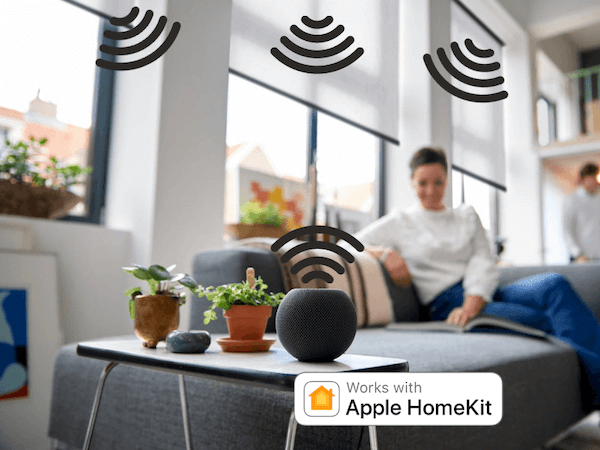
To automate with devices, it is important that the device you want to automate with can also communicate via Apple HomeKit. Therefore, when buying a smart home product, pay attention to the logo you see in the picture!
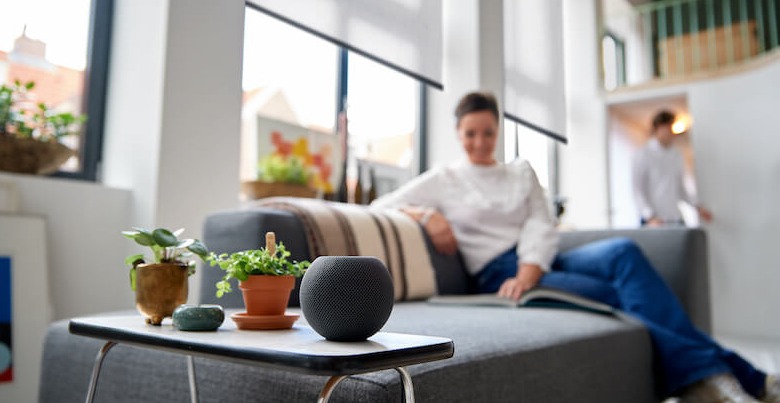
A smart home hub, like the Apple HomePod Mini
To automate with devices, you need a smart home hub that connects all devices together. A smart home hub could be the Apple HomePod Mini, for example, or a latest-generation Apple TV 4k.
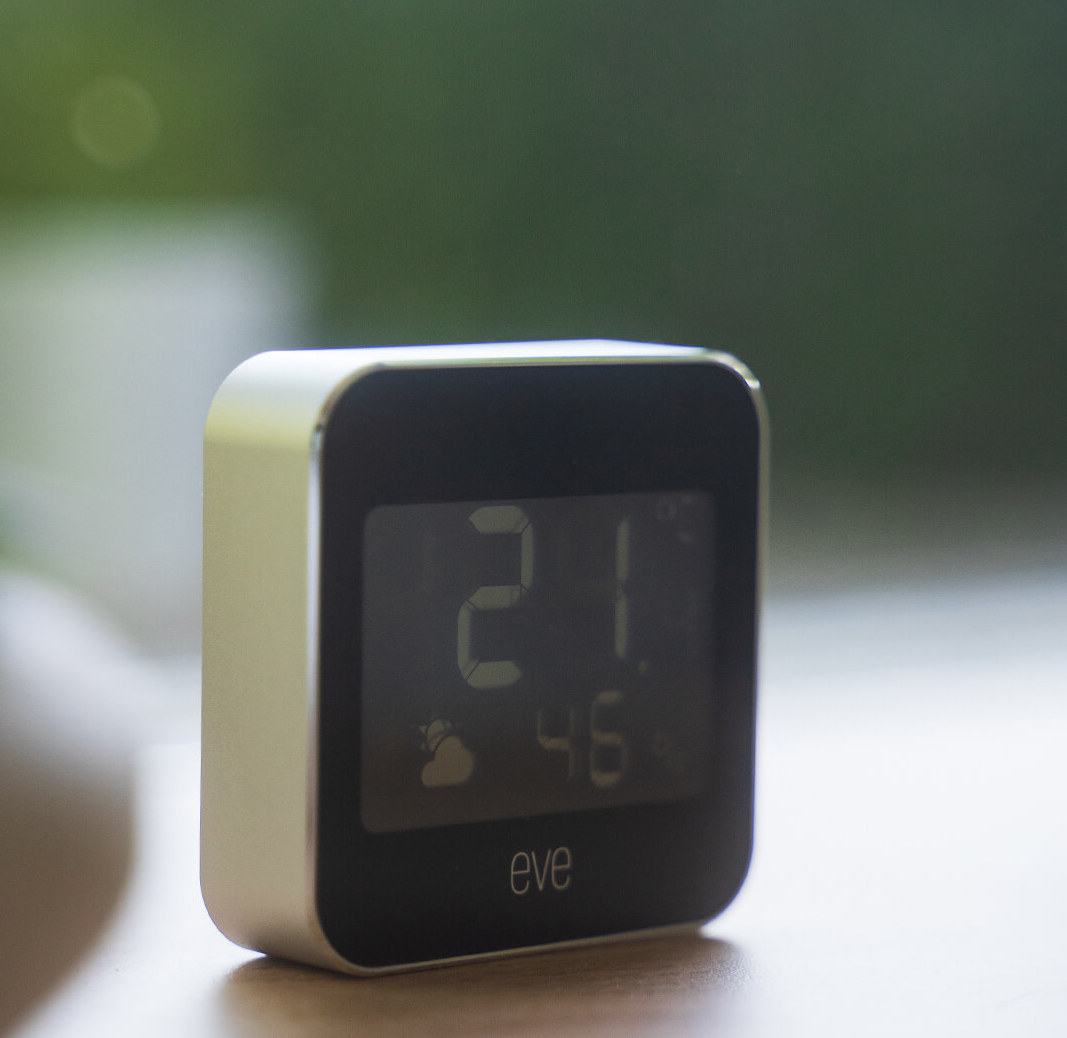
Smart thermometer
You will also need a smart thermometer that works via Apple HomeKit. The company Eve has created the Eve Weather. This is a compact thermometer which you can connect to your smart home! Perfect for setting up scenes with temperature triggers.
Setting smart scenes based on home temperature
So in addition to smart timers and automations, it is also possible to make your Smartblinds and other smart devices move as soon as the temperature in the house hits, say, 20 degrees in summer. In summer, you would like to keep the heat out so that your house stays cool. While in winter, you'd like to keep the heat inside so the heating doesn't have to be on as much. But how do you set such a scene? We explain that in a few steps below:
This is how you set this scene:
Go to Apple's home app.
Click the arrow at the top right
Then click on 'new scene'.
Create a custom scene.
Give the scene a name and add the smart thermometer and the Smartblinds you want to pair with it.
Set the temperature at which the scene should activate.
Set the Smartblinds to close at this temperature.
Test the scene and see if it works as it should.
Click ready
The scene is now ready to use!
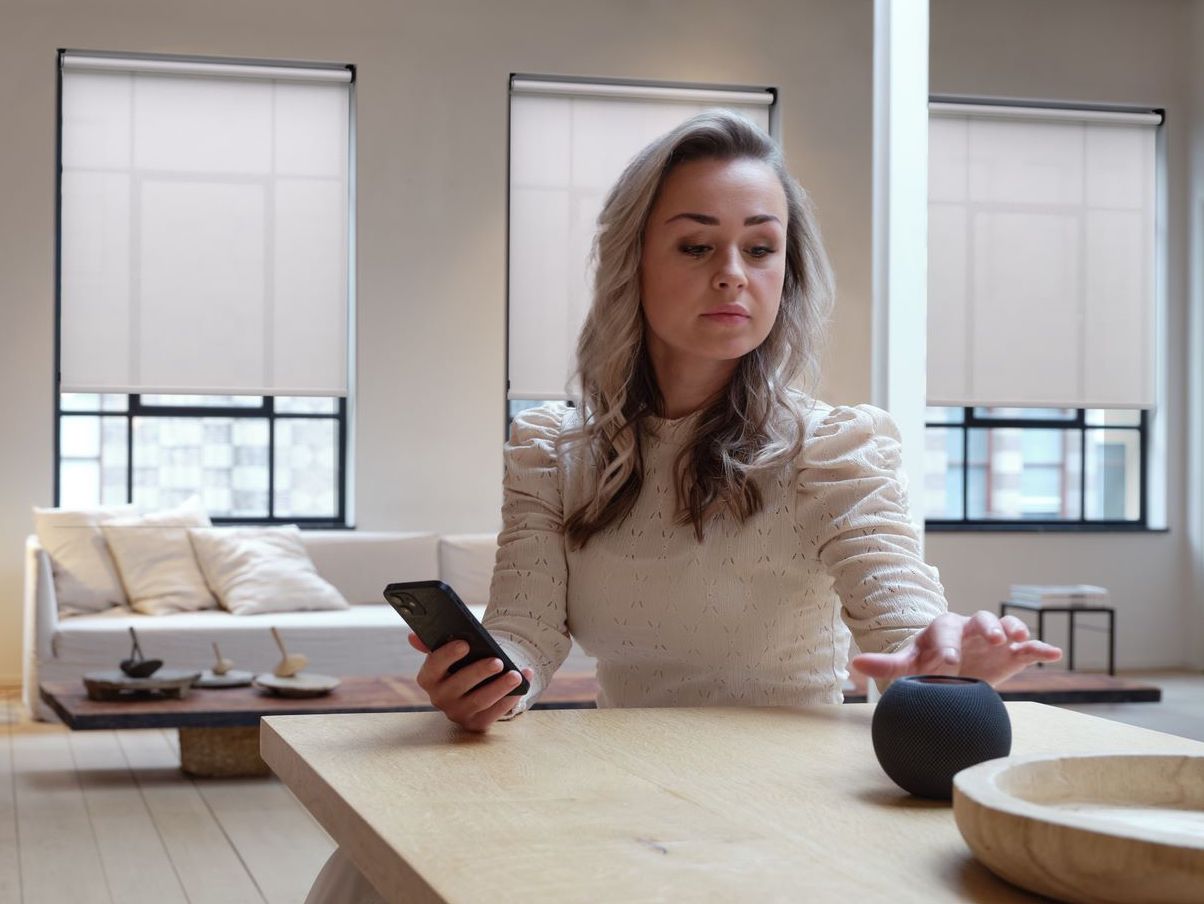
Activate scenes with your voice
When you have a smart home hub, you can talk to Siri. For example, say; hi Siri, activate (the scene) 'a warm home'. Siri will then trigger the scene. This way, you can make your entire smart home work together. Set your favourite scenes and enjoy ultimate comfort and convenience in your home!
FREQUENTLY ASKED QUESTIONS ABOUT SETTING TEMPERATURE BASED SCENES IN APPLE HOMEKIT
What is a temperature trigger within Apple HomeKit scenes?
A temperature trigger activates predefined actions when the temperature reaches a set level, so your smart blinds and other connected devices can respond automatically to changes in your home’s climate.
Why use temperature‑based automations for smart blinds?
Temperature‑based automations can help maintain comfort and energy efficiency by opening or closing blinds to regulate heat from sunlight, cool rooms faster, or reduce overheating in living spaces.
How do I define a custom temperature threshold for a scene?
In the Home app, you select a specific temperature point that will act as the trigger, and then choose the actions you want your connected devices to perform when that threshold is reached.
Can temperature triggers work with multiple smart devices?
Yes, temperature triggers can include multiple devices in one scene, allowing lights, blinds, HVAC systems and other accessories to respond together when a temperature condition is met.
Do temperature automations help with energy efficiency?
Using temperature automations can improve energy efficiency by adjusting blinds and other systems based on your set thresholds, helping reduce heating and cooling costs throughout the year.